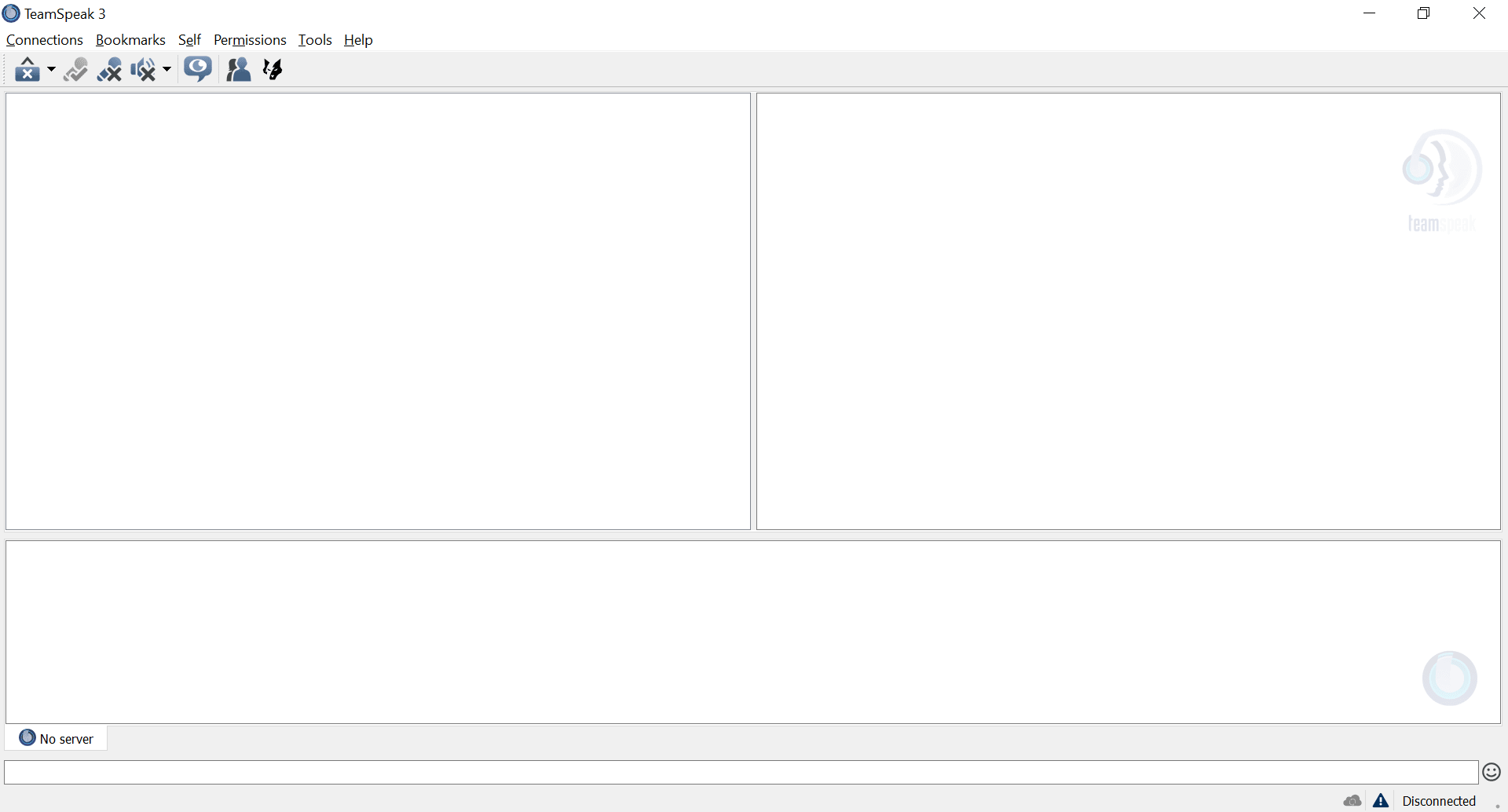
TeamSpeak Client is an application for Windows that allows all users to create chat channels, talk with each other, and conduct voice calls using an intelligent algorithm that provides great audio quality and minimal delay. A lot of users review this application as an unbeatable choice when it comes to VoIP chatting.
Built for squad communication and beyond
If you are looking for a Voice over IP chat application that you can use alongside games to interact with your squad or your friends, TeamSpeak Client might be the one for you. When playing games or interacting with others over the internet in general, you do need a reliable connection, but more importantly, a trustworthy application as well.
The primary users of TeamSpeak Client are gamers who need to talk with their squad as well as friends as they game. This creates a very exciting experience for everyone involved. In recent times, multiplayer games have become incredibly popular, and everybody loves playing with friends. You can also use it for business, educational, and training purposes, as the app is simple and allows you to conduct calls or chat with anyone who is using the application on the other side.
Key features and hosting flexibility
When talking about the features of TeamSpeak Client, the most prominent ones are the following:
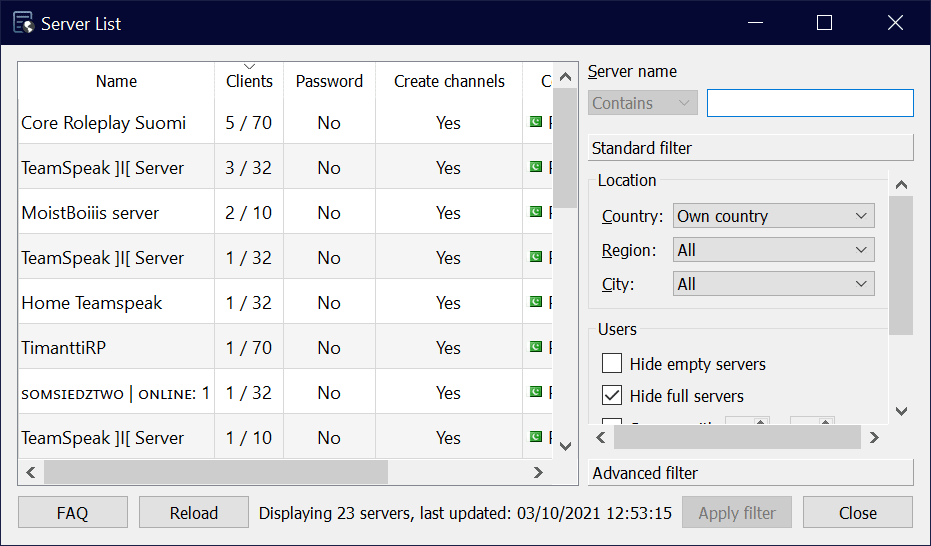
- You can create and host your own server and invite your friends or fellow gamers to hop on and talk with each other throughout the session. You can also rent a server from the authorized TeamSpeak list of host providers.
- Crystal-clear voice quality with no lag, automatic microphone volume adjustment, and noise cancellation. Sounds fantastic, right?
- Privacy and security are guaranteed. Nobody from TeamSpeak or otherwise will have access to your chats or voice data.
- Decentralized concept. You host on your own server, and no TeamSpeak server will get involved if you don't want it to.
- Incredible room for scalability: you can start from hosting 5 of your friends to 500 of your colleagues for a business meeting, depending on your server license.
In-game overlay and usability
There are also benefits, such as an in-game overlay that provides you control over the server without having to shift screens to the TeamSpeak Client while gaming. Summing it all up, the TeamSpeak Client is a VoIP application that comes with a simple interface but has high usability for gamers, students, and business people.